I architect and build systems that scale — secure, data-rich, AI-ready.
I balance that with a maker mindset: prototyping apps, automating workflows, and exploring emerging technology. Welcome to my digital garden.
I architect and build systems that scale — secure, data-rich, AI-ready.
I balance that with a maker mindset: prototyping apps, automating workflows, and exploring emerging technology. Welcome to my digital garden.
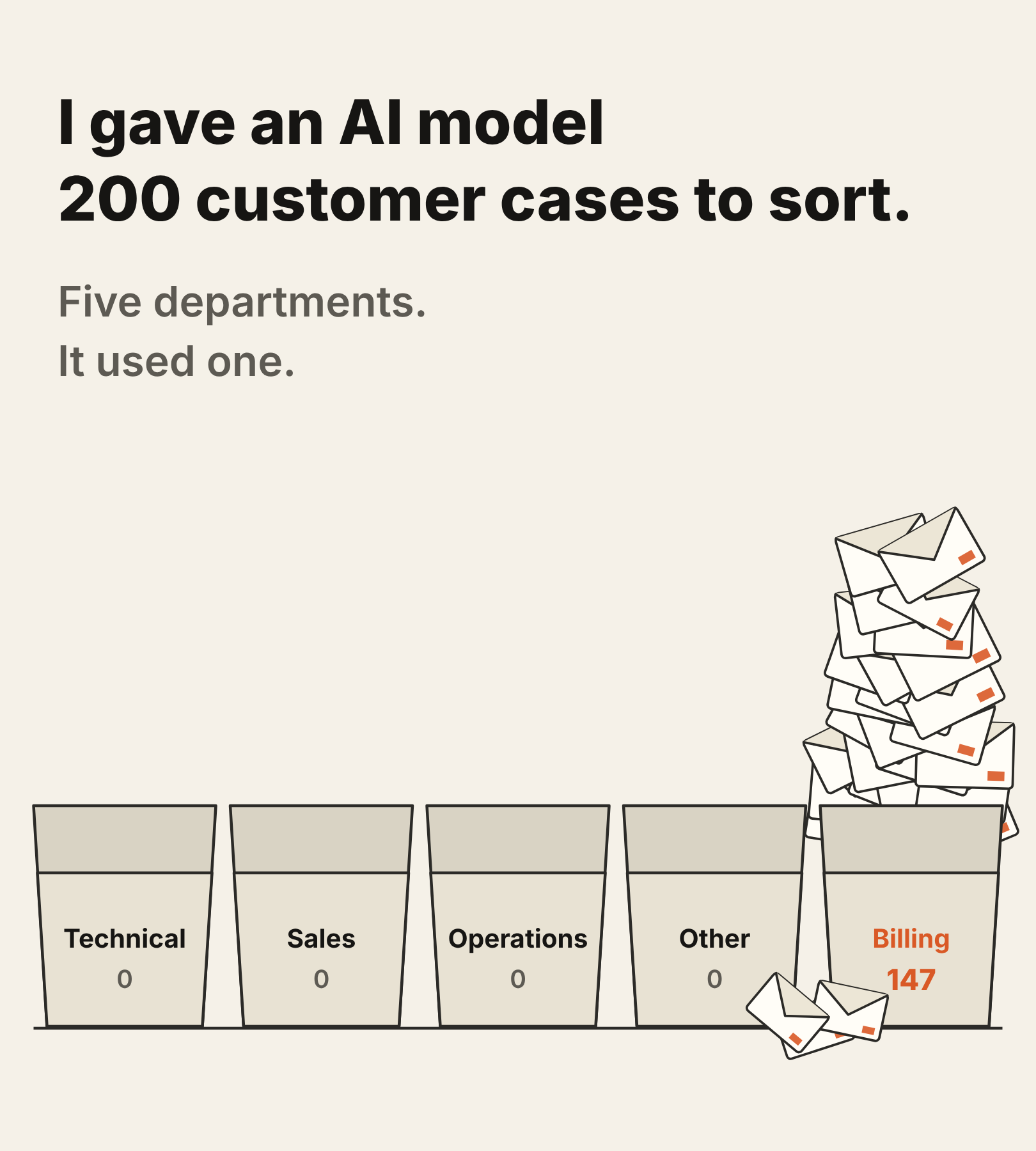
A fine-tuned model can read a customer’s angry paragraph and pick the right department in about 40 milliseconds. That’s on a single T4 GPU, with a model you can download for free. It used to mean a pile of rules. Now it feels like magic, and the instinct is to point it at the work and wait for the wonders. I’ve watched this story develop from the other end. When I work on older Service Cloud orgs — upgrades, migrations — routing lives in rules. I have seen it many times. Then Einstein arrived with a gate and a confidence score. Now there are small open decision models like Laya, which you run yourself. ...
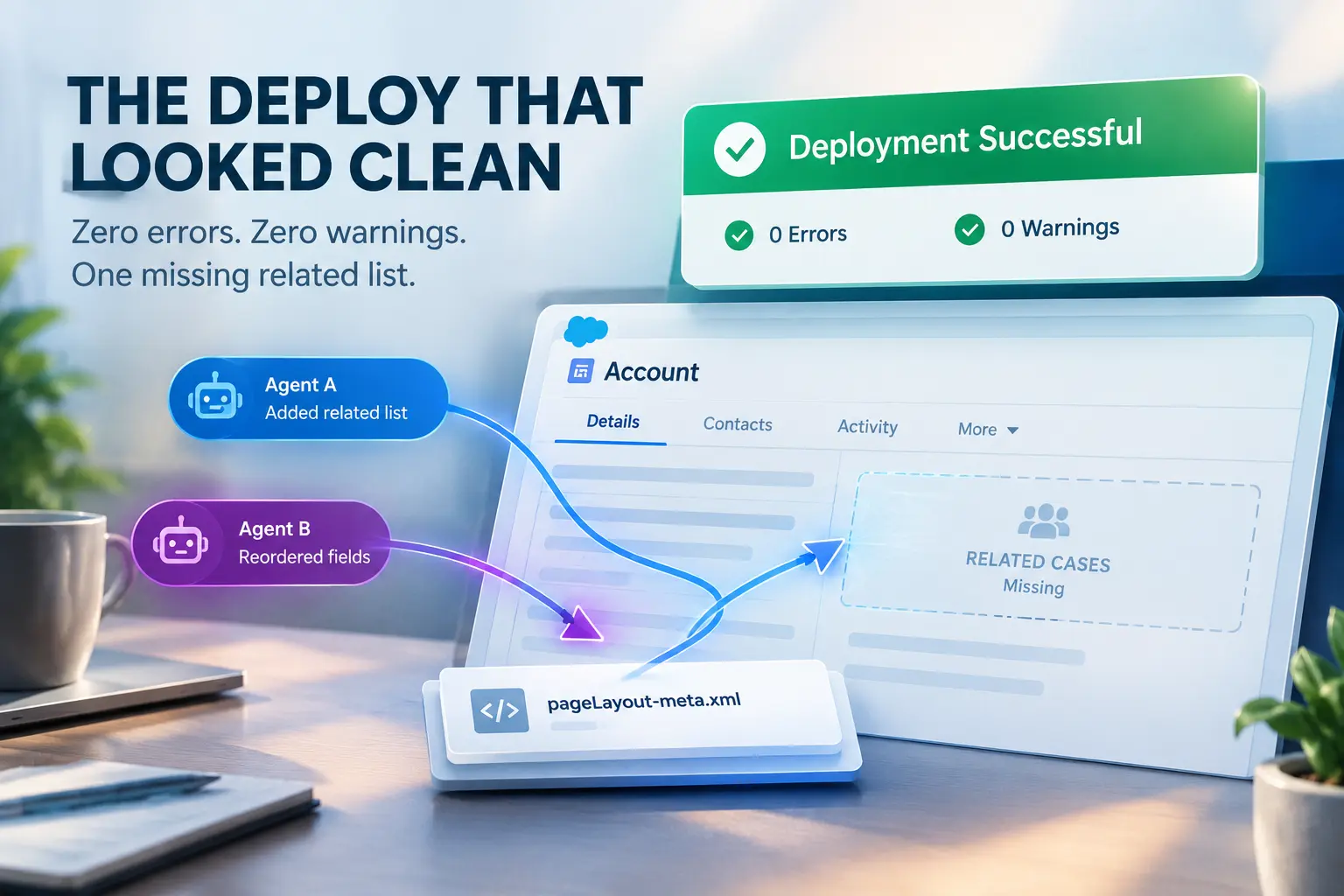
The Deploy That Looked Clean Two agents, one story: “you handle the flow, I’ll handle the page layout.” Reasonable split — except we hadn’t split the object, we’d split the request. Both agents ended up touching the same page-layout XML in the same run. One added a related list for open cases. The other reordered two fields per a design note from three sprints back. The deploy went out clean. Zero errors, zero warnings. ...

Every new Salesforce release gets the same test from me before I trust it: strip the price tag out of the conversation and ask what the business problem actually is, and whether the fix scales. Multi-Framework’s pitch was React, natively, on the platform. Fine - but React for what, exactly? A Sankey view showing stage progression between two dates, with the dollar swing attached, isn’t an exotic ask - competitive CRM platforms bundle it into the core pipeline view. On Salesforce, the same chart lives inside Pipeline Inspector’s Flow view and per Salesforce’s documentation, Pipeline Flow chart view sits behind CRM Analytics stacked under Revenue Intelligence. Two licenses, ~$220 a seat per month, most of which buys forecasting AI and predictive risk scoring I wasn’t trying to solve for. ...